
This article shows how to how to start Ability Drive using the GazeFirst eye-tracker and Eyetuitive app.
Demonstration Video: How to Start Ability Drive - GazeFirst (Coming soon...)
Step 1:
If you have not already calibrated the eye-tracker, do a calibration first, before opening Ability Drive.
Step 2:
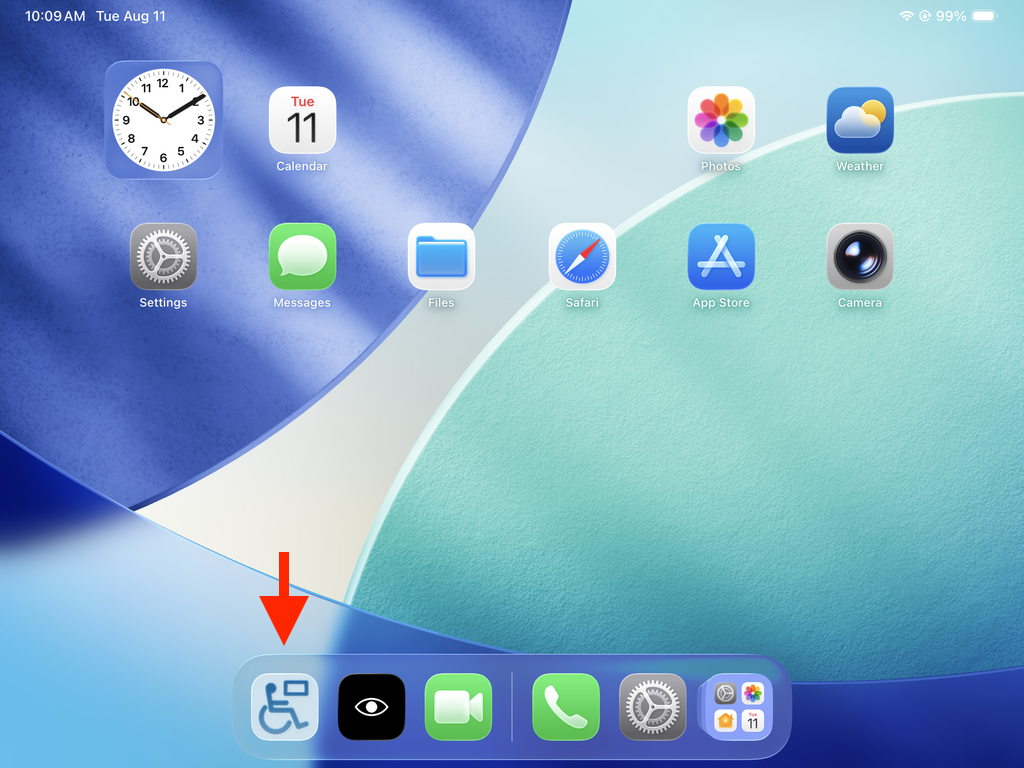
From the iPad Home screen, dwell on the Ability Drive icon in the iPad Dock.
Step 3:
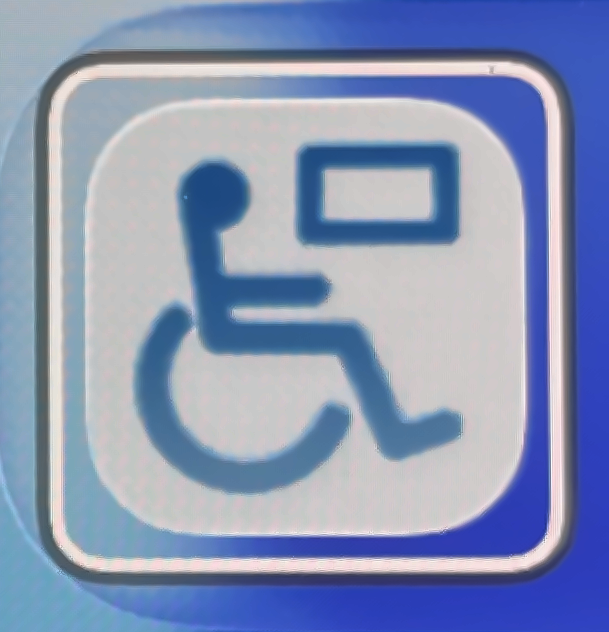
A white frame will appear around the Ability Drive icon. Continue dwelling on it until the app opens.
Step 4:
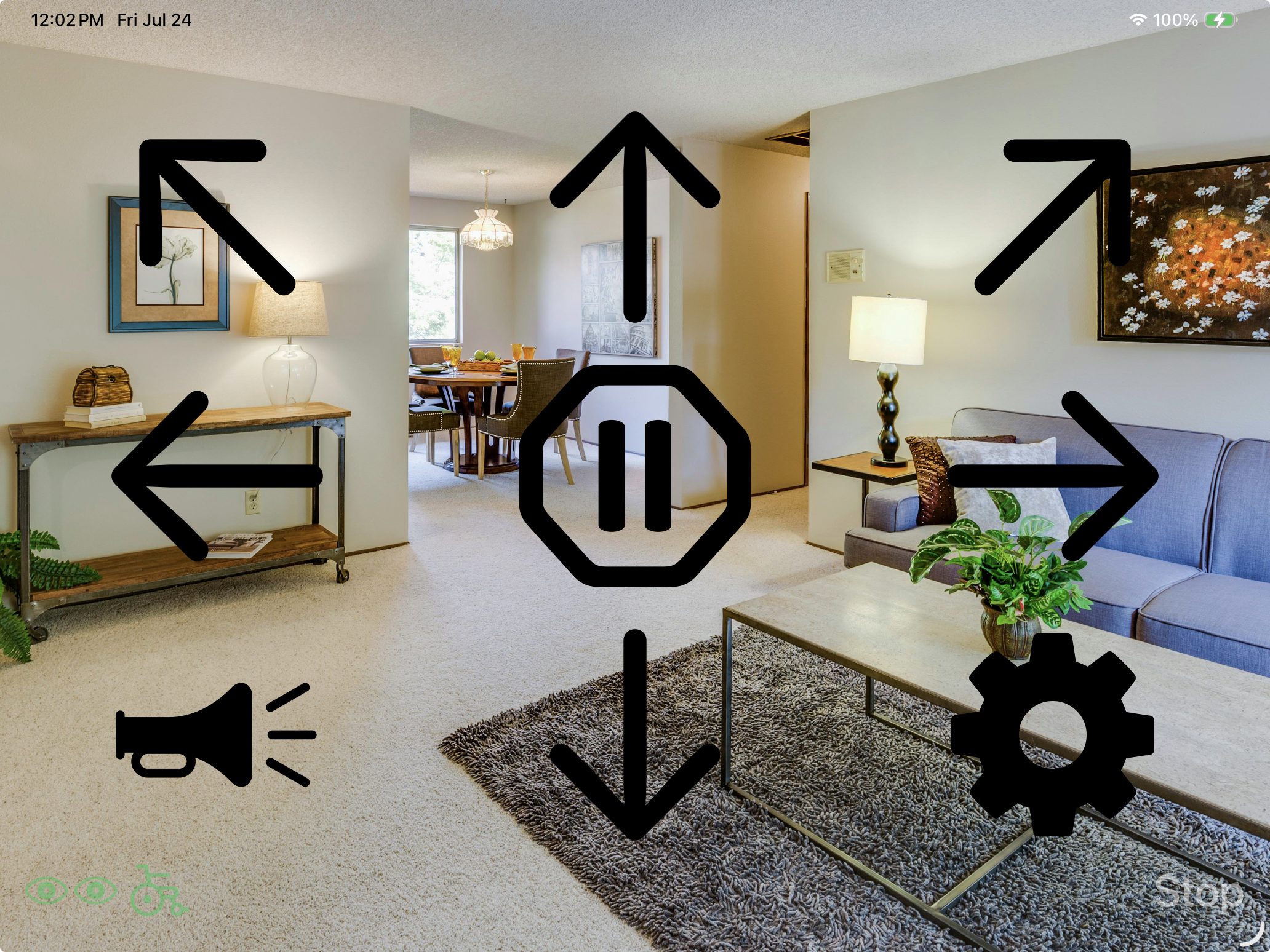
When the app opens, it automatically starts in the drive screen.
Next: Ability Drive® for iOS - App Overview
Previous: How to Calibrate - Eyetuitive
Technical support is available Monday - Friday, 7:00am - 3:00pm PST. Please call (425)242-3902 or email support@tolttechnologies.com.